
Production planning software
Promise a date the shop floor can actually keep.
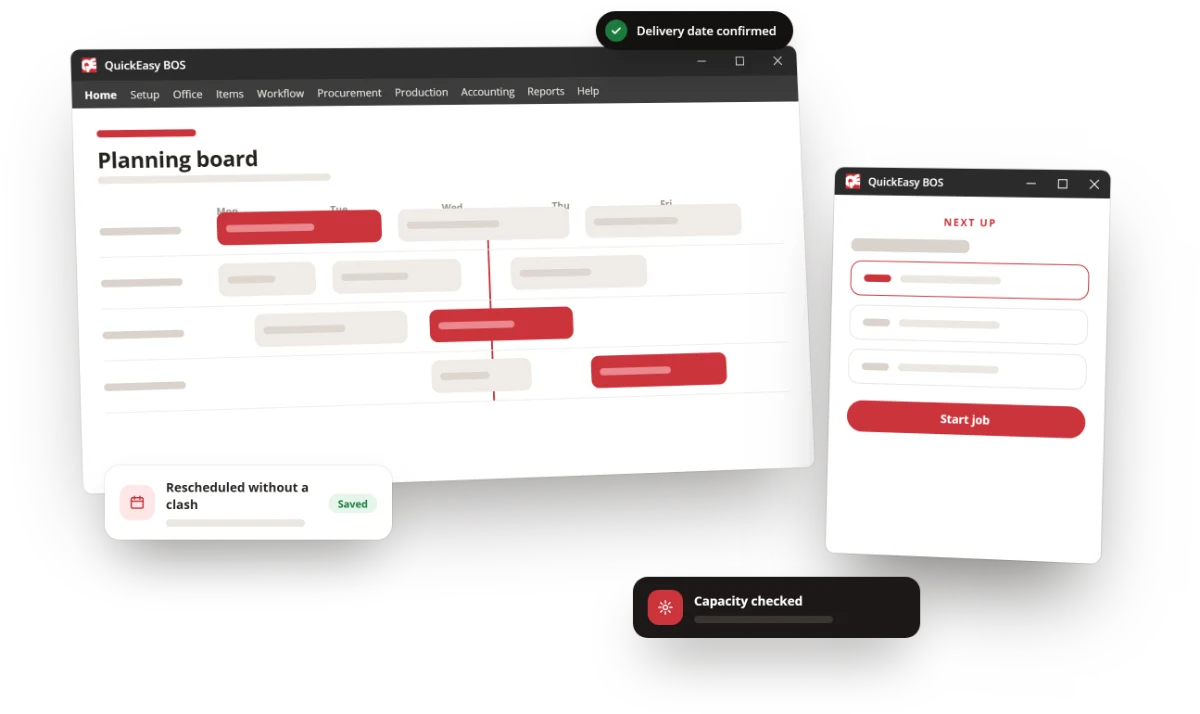
Capacity-aware scheduling that knows what is already loaded, what material has landed and where every job has got to — so the date sales gives the customer is the date the job ships.
The problem
The schedule is built on information the planner does not have.
A whiteboard is good for local visibility and weak at linking material, labour, capacity and delivery dates. A skilled planner manages perhaps 50 to 100 active jobs in a spreadsheet before the complexity wins.
Dates promised against nothing
Sales quotes a standard lead time that ignores current shop load, so the promise is made before anyone checks whether the week has room in it.
The knock-on is invisible
A whiteboard cannot tell you what expediting one job does to the six behind it. You find out when the six are late.
Hidden WIP
Jobs part-finished at a workstation nobody has updated. The plan assumes capacity that is already spoken for.
Material and schedule never meet
The job is scheduled for Tuesday and the board has no idea the substrate lands on Thursday.
The benefit
On-time delivery stops being luck.
A date you can defend
Capacity is checked before the promise is made, not after — so the commitment is a plan rather than an aspiration.
One version of where things are
Everyone reads the same board, so the status conversation happens once instead of at every desk.
Overtime becomes a decision
You can see the crunch coming and choose what to do about it, rather than paying for it after the fact.
The solution
A planning board that knows what the rest of the system knows.
The schedule is not a separate document. It reads the same jobs, material and bookings as everything else.
- Multiple real-time planning and scheduling dashboards, so planners, supervisors and management each see the view they need.
- Capacity by machine and by station, so the board reflects what the plant can actually do this week.
- Material availability linked to the schedule through MRP — a job does not get planned into a week its substrate cannot make.
- Work in progress tracked start to finish, so part-finished jobs are visible instead of hidden.
- Shop-floor job tracking, alerts and notifications as work happens, through Manufacturing Data Collection.
- Time and machine tracking that measures team and machine productivity, and feeds historical data back into estimating.
- Transaction approvals for cost and quality sign-off at the points that matter.
What the board runs on
Planning is downstream of the rest of the system.
- Bills of materials and routing
- What has to be made, in what order, on what.
- MRP
- What material the plan needs and when, netted against stock and open orders.
- Stock and WIP
- What is free, what is committed, and what is part-finished on the floor.
- Manufacturing Data Collection
- Real start and finish times, so the next plan is built on facts.
- NCR and quality control
- Rework captured rather than quietly absorbing capacity.
- Analytics and dashboards
- Where the plan slipped, and whether it is slipping the same way every month.
The close
Before you commit.
- "Our scheduling is too complex for software." It is usually too complex for a whiteboard. BOS is configured to your machines, stations and transaction flow rather than a fixed model of a factory.
- "The floor will not update it." Shop-floor data collection is designed to be booked at the point of work, not typed up later by a supervisor.
- "We plan in a spreadsheet and it works." It works up to a point — that point is usually somewhere between 50 and 100 live jobs.
- "Is planning an extra module?" No. Every module is in every subscription. The prices are published.
- "How long before it is useful?" Installation is quick. The board is useful as soon as your routings and capacities are configured; the historical data that sharpens estimating builds from there.
Book a demo
Tell us how next week gets planned today, and we will show you the same week on a QuickEasy planning board.