
Inventory management software
The quantity on screen is the quantity you have.
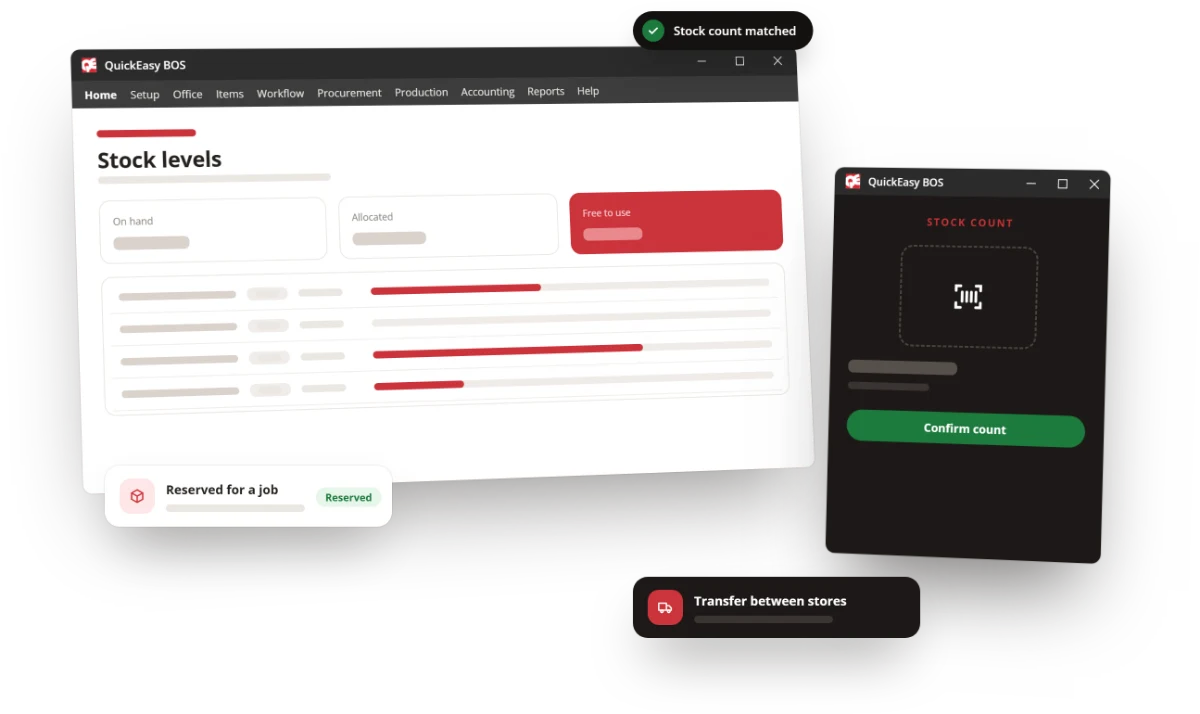
Real-time stock across every location, tied directly to purchasing, production and the ledger — so its value is already in the books rather than waiting for a month-end reconciliation.
The problem
Most stock problems are integration problems.
When inventory lives in its own app, it tells you what you had at the last sync. Four things go wrong, and all of them cost cash.
You buy what you already have
Purchasing cannot see what production has committed, so stock gets ordered twice and the cash sits on a shelf until someone finds it.
Valuations drift from the ledger
A separate stock system means a month-end reconciliation just to learn what your inventory is worth — and an argument about which number is right.
Shortages surface too late
Without demand-driven replenishment you find the missing material on the day the job was scheduled to run.
Nobody trusts the count
Once the number on screen has been wrong a few times, people stop looking and start walking to the shelf. At that point the system is costing you time rather than saving it.
The benefit
Stock you can plan against, value and trace.
One number, everywhere
Sales, production, purchasing and accounts read the same live figure, so the reconciliation conversation stops happening.
Cash released from the shelf
Replenishment driven by real demand rather than by habit, with the levels set by you and visible.
Traceable when it matters
Batch and serial tracking back to raw material, ready for the customer audit rather than reconstructed for it.
The solution
Inventory as part of the system, not bolted onto it.
Levels update off daily transactions, because the transactions and the stock records are the same database.
- Multiple locations, warehouses and bins — including customer and supplier sites, with transfers between them.
- Multiple units of measure — buy by the tonne, hold by the sheet, consume by the square metre, converted every time.
- Landing costs allocated automatically to inventory items, so imported stock is valued on what it actually cost to land.
- Batch and serial number tracking for traceability, warranty and compliance.
- MRP and replenishment that net demand against free stock and open purchase orders before suggesting a purchase.
- Weighted-average costing updated automatically, keeping valuation and the ledger in step.
- Stock checks with approval workflows, bin management and an on-the-fly adjustment mode from the items dashboard.
- Work in progress tracked as WIP, so material issued to jobs is not counted as available.
Reporting
The reports people actually open.
- Movement and ageing
- What moved, what has not, and how long it has been sitting there.
- Over and under stock
- Where working capital is trapped, and where you are about to run out.
- Replenishment
- What to buy next, against the levels you set rather than a fixed reorder habit.
- Batch and serial
- Full traceability reporting for audits and recalls.
- Interactive dashboards
- Drill-down, sorting, grouping and filtering, with side-by-side comparative views.
- Customisable output
- Report formats that match how your business already reports.
The close
Before you commit.
- "Our stock data is a mess." Most are, at the start. Stock checks with approvals, bin management and adjustment modes are how you get it clean, and the system improves as the data does.
- "We already have accounting software." That is usually the problem — stock in one system and value in another. Here they are the same record.
- "Is inventory an extra module?" No. Every module is in every subscription, along with upgrades and helpdesk support. The prices are published.
- "Can it handle multiple sites?" Multi-location, multi-entity and multi-currency, with transfers and per-location valuation.
- "Cloud or our own server?" Either — your network, or a managed cloud server we host, patch and back up daily.
Book a demo
Tell us how you count and value stock now, and we will show you the same flow running end to end in QuickEasy BOS.