
MRP software · Material requirements planning
Buy what you are short of, and nothing else.
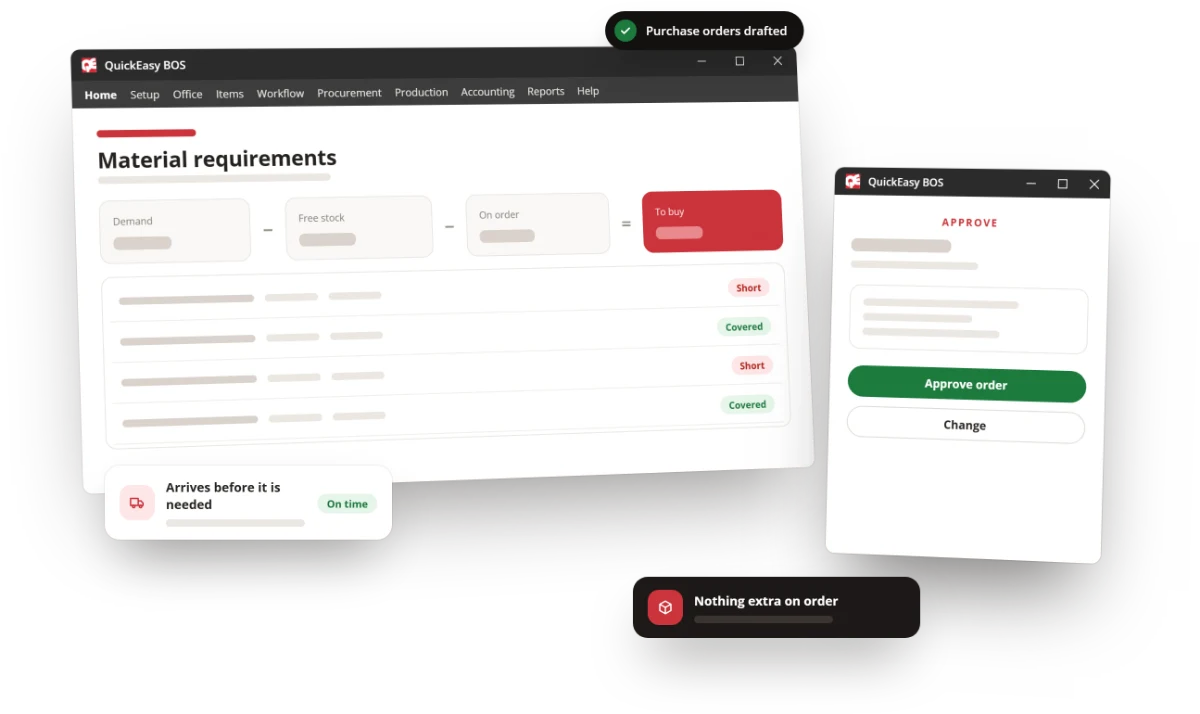
Material requirements planning that nets real job demand against free stock and everything already on order, running off the same live data as your bills of materials.
The problem
Every business without MRP swings between the same two mistakes.
Too much stock, or a line standing still. Usually both, on different items, in the same week.
Cash parked on a shelf
Ordering against a feeling rather than a requirement means safety stock everywhere. It looks like prudence on the floor and like a working-capital problem on the balance sheet.
The shortage found on the day
Nobody nets demand against what is already committed, so the missing material surfaces when the job was scheduled to run — at which point every option is expensive.
Double ordering
Purchasing cannot see the order production raised last week, so it is raised again. The second delivery is stock you did not need at a price you did not negotiate.
Reorder levels nobody revisits
Minimums set three years ago for a demand pattern that no longer exists, quietly driving purchases every month.
The benefit
A purchase plan you can act on without checking it first.
Working capital stops hiding in stock
Safety stock becomes a number you set deliberately rather than a habit that accumulates.
Shortages surface with time to fix them
The plan looks at demand through the bill of materials, so a raw-material gap appears weeks before the job, not on the morning.
Purchasing and production stop guessing
Both work from the same netted position, so the second purchase order never gets raised.
The solution
Demand in, purchase plan out.
Four inputs, one answer, recalculated off live transactions rather than a weekly export.
Demand
Sales orders, job cards and forecast requirements — what has actually been promised, exploded through the bill of materials to raw material level.
Supply
Free stock across every location and bin, plus everything already on open purchase orders and due in.
Net
Demand less supply, against the replenishment levels you set. Only the genuine shortfall comes out the other side.
Buy or make
Purchase orders to the supplier you chose, with landing costs allocated automatically — or a works order if you make the sub-assembly yourself.
What it rests on
MRP is only as good as the bill of materials under it.
Which is why BOS treats the BOM as a first-class part of the system rather than a field on a product record.
- Bills of materials and routing
- What the product is made of and how it is made, multi-level, priced from live rates.
- Product configurator
- Variants and options without rebuilding the BOM for every permutation.
- Multiple units of measure
- Buy in one unit, hold in another, consume in a third — the conversion is the system’s job.
- Multiple suppliers per item
- With their own prices and lead times, so the plan knows who you would actually buy from.
- Replenishment levels you control
- Minimums, maximums and reorder points set by you and visible, not buried in a purchasing habit.
- Batch and serial tracking
- Traceability from finished goods back to raw material batch, in the same records MRP reads.
The close
What people ask about MRP.
- "What is the difference between MRP and ERP?" MRP answers one question — what to buy or make, and when. ERP is the system holding the bills of materials, stock, purchase orders and ledger that MRP needs to answer it accurately. Here, MRP is a module of the ERP.
- "Do we need accurate stock first?" You need it eventually, and MRP is usually what forces the issue. Stock checks with approvals, bin management and adjustment modes get you there, and the plan improves as the data does.
- "Made and bought items together?" Yes. Multi-level bills explode through sub-assemblies, so the plan can end in a purchase order or a works order.
- "Is MRP an extra module?" No. Every module is in every subscription. The prices are published.
See MRP run on your own order book
Tell us how you decide what to buy today, and we will show you the same decision made in QuickEasy BOS.